The Best Check-In App for the Elderly
A check-in app for the elderly keeps aging parents safe and families informed — without daily phone calls or loss of independence. See how CheckIn More makes it simple.
When an elderly parent lives alone, families face a familiar tension: you want to know they're okay every day, but you don't want to make them feel like a burden or strip away their independence.
A check-in app for the elderly resolves that tension. It creates a simple daily routine — a tap on their phone — that automatically keeps the right people informed. No daily obligation calls. No guilt on either side. Just quiet reassurance that someone would know if something went wrong.
Why Families Turn to Elderly Check-In Apps
Phone calls and texts work until they don't. Someone gets busy, forgets to respond, or starts to feel like the daily check-in is more chore than connection.
The real problem isn't communication — it's the safety net underneath it. Families need to know that if something happened, they'd find out quickly. A dedicated check-in app automates that safety net so the relationship can stay focused on what matters.
Common reasons families start looking for a check-in app:
- An elderly parent recently started living alone
- A health event — a fall, surgery, or diagnosis — has raised concern
- Daily calls have become stressful or unsustainable
- Distance makes regular in-person visits impossible
What to Look for in an Elderly Check-In App
Easy enough for any comfort level with technology. If checking in takes more than a few seconds or requires navigating a complicated app, it won't stick. Look for something that works with a single tap.
Flexible scheduling. Elderly adults have routines, but those routines vary. The best apps let you set different check-in times for different days and adjust the window of time before contacts are alerted.
Multiple alert methods for contacts. Family members should be reachable by email, text, or phone call — not just a push notification they might miss.
No app required for family. Adult children and other contacts shouldn't need to download anything. A text or phone call is enough.
Easy to pause. Doctor appointments, family visits, and vacations happen. Check-ins should be pauseable without canceling the whole account.
How CheckIn More Works
CheckIn More was built by a husband-and-wife team specifically for situations like this — an elderly loved one living alone, a family that cares but doesn't want to hover.
Here's the day-to-day experience:
- Set a schedule. Choose check-in times that fit your loved one's routine — customizable by day of the week.
- A reminder arrives. A notification lets them know it's time to check in.
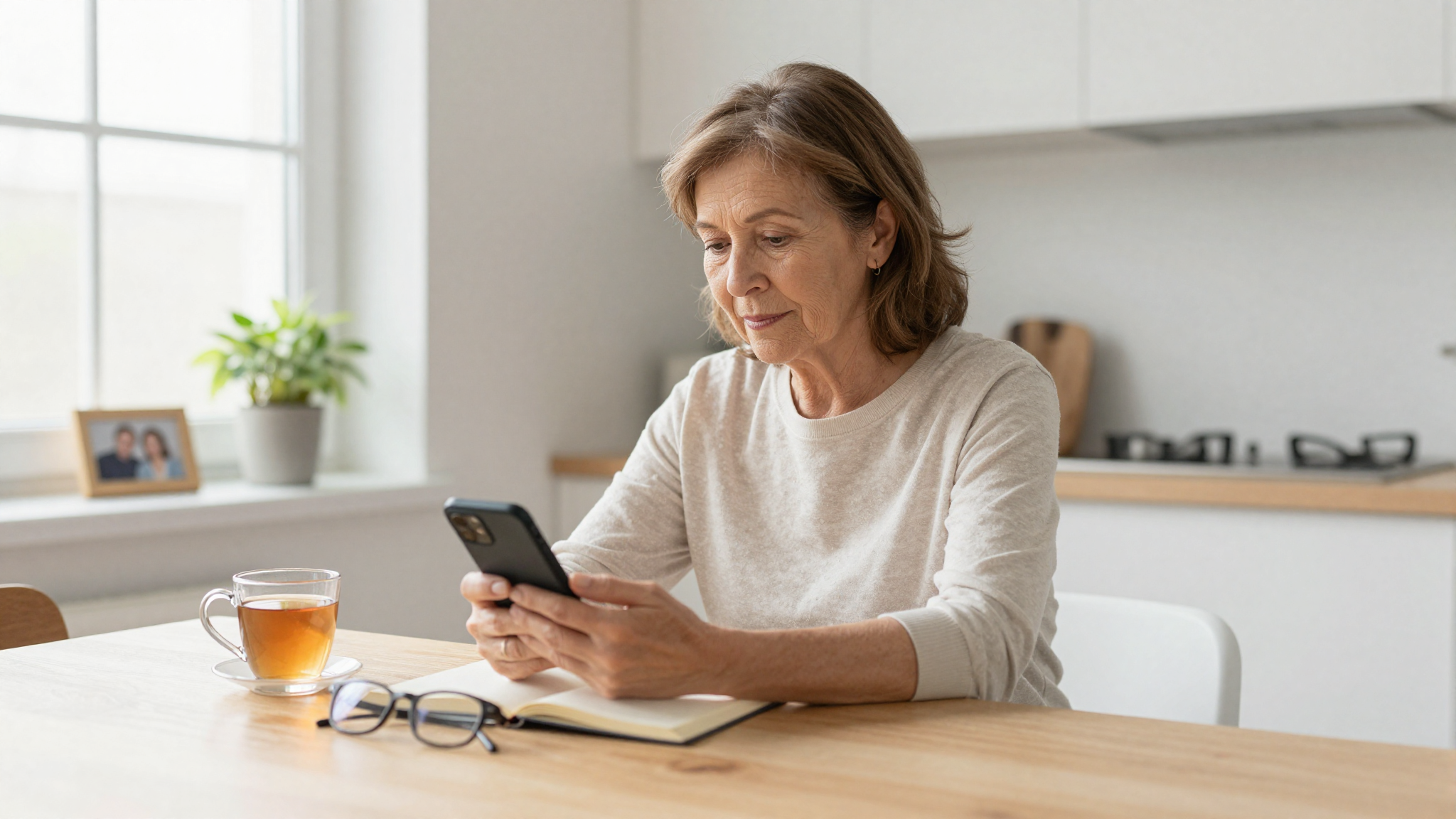
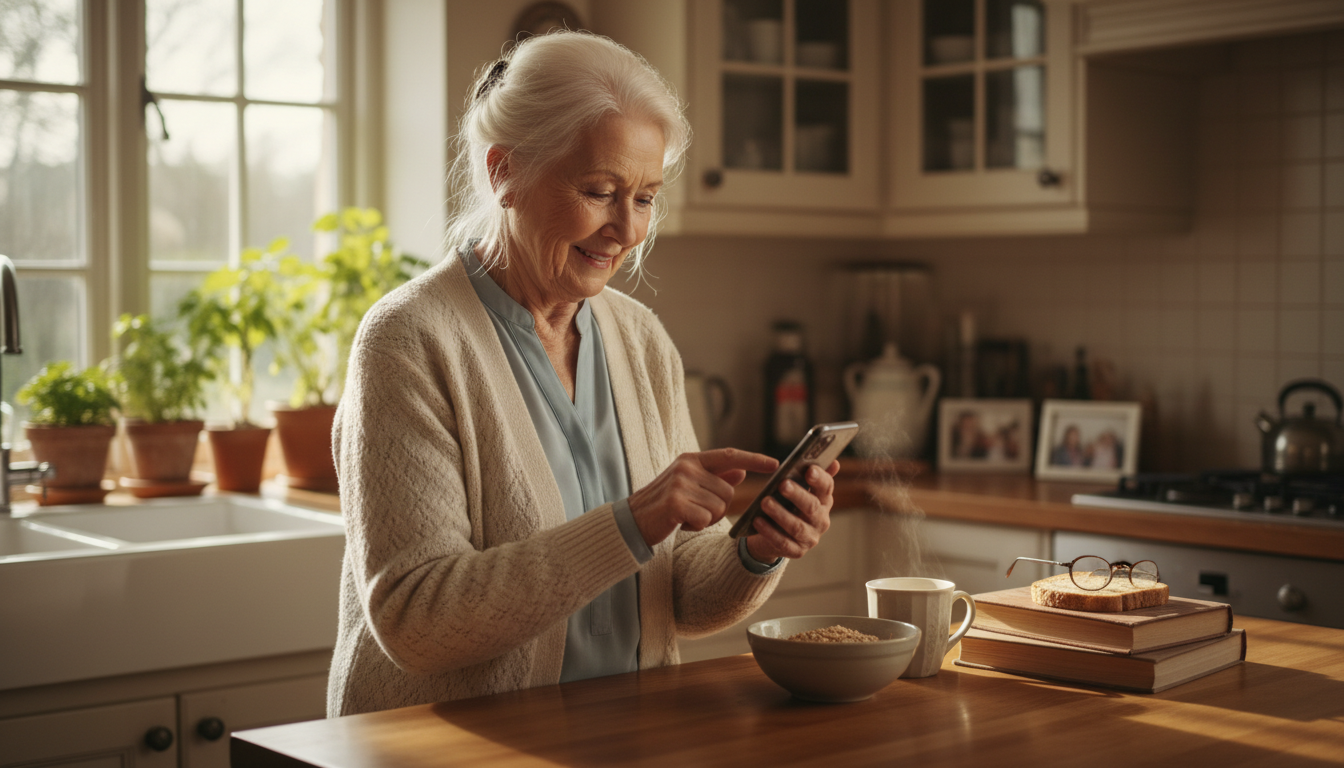
- They check in with a tap. Done in seconds. They can also share how they're feeling or request assistance if needed.
- Family is automatically notified. By email, text, or phone call — depending on your preferences. Contacts can receive every check-in confirmation or only missed check-in alerts.
If a check-in is missed, the right people are notified immediately — no one has to wonder or wait.
How This Compares to Other Elderly Safety Options
| CheckIn More | Medical Alert Device | Daily Phone Call | |
|---|---|---|---|
| Daily safety check | ✅ | ❌ | ✅ |
| Automatic alerts | ✅ | ✅ | ❌ |
| No wearable required | ✅ | ❌ | ✅ |
| Works without emergency | ✅ | ❌ | ✅ |
| Scales with family size | ✅ | ❌ | ❌ |
| Sustainable long-term | ✅ | ✅ | ❌ |
CheckIn More isn't a replacement for a medical alert device — it's a different tool for a different job. A medical alert handles emergencies in the moment. CheckIn More handles the daily routine that catches problems before they become emergencies. Many families use both.
For a broader look at check-in options, see our guide to daily check-in apps for seniors.
Getting Started
CheckIn More has a free plan to get started, and paid plans include a free trial — no commitment needed.
If you've been looking for a check-in app for the elderly that's simple enough for your loved one to actually use and reliable enough for your family to actually trust, CheckIn More was built for exactly that.
Frequently Asked Questions
Does my elderly parent need to be tech-savvy? CheckIn More is designed to be as simple as possible — a single tap to check in. If they can use a smartphone, they can use CheckIn More.
What happens if they miss a check-in? Their designated contacts are automatically notified by email, text, or phone call depending on your plan. No manual follow-up needed.
Do family members need to download the app? No. Contacts receive alerts directly by email, text, or phone call — no account or app required.
Can multiple family members be notified? Yes. Unlimited contacts can be added on paid plans, and each person can customize which alerts they receive.
Is this the same as Life Alert? No. Life Alert is an emergency response device for in-the-moment crises. CheckIn More is a daily wellness check-in routine. They serve different purposes.
Is there a free plan? Yes. CheckIn More offers a free plan with email notifications, and paid plans include a free trial.