Check-In App Safety: How a Simple App Keeps You and Your Loved Ones Safe
Looking for a check-in app for safety? Learn how daily check-in apps like CheckIn More provide a simple safety net for people living alone, seniors, and their families.
Living alone has never been more common — or more normal. But for every person enjoying their independence, there's usually someone who cares about them quietly wondering: if something went wrong, how long before anyone noticed?
That question is exactly what a check-in app built for safety is designed to solve.
What Is a Check-In App for Safety?
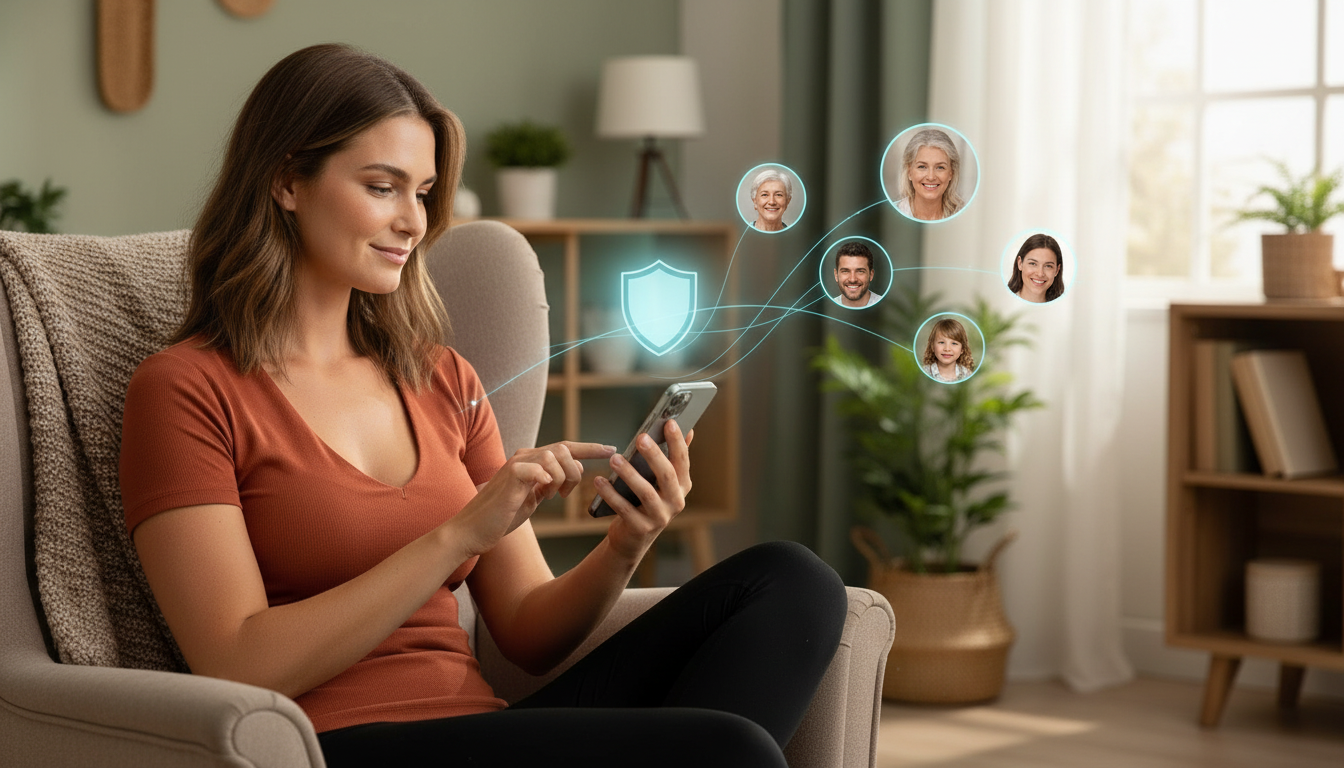
A safety check-in app is a mobile app that creates a lightweight, daily signal of wellness. The person living alone checks in at a scheduled time — one tap — and the people who care about them get a text confirmation. If the check-in doesn't happen, those contacts get an alert.
It's not surveillance. It's not tracking. It's closer to texting a friend "good morning" — except it's automated, scheduled, and actually reliable.
This category of app sits between two extremes that don't fit most people:
- Emergency alert devices (medical buttons, fall detectors) — useful for high-risk situations, but feel clinical and stigmatizing for anyone who isn't already in a medical context
- Constant phone calls and texts — exhausting for everyone, and easy to miss or ignore
A check-in app for safety fills the gap: low friction, low intrusion, and just enough of a signal to prevent people from slipping through the cracks.
Who Actually Needs a Safety Check-In App?
The answer is broader than most people expect. This isn't just a seniors' product.
People Living Alone
Whether you're 28 or 68, solo living means there's no natural daily signal of your wellbeing. No roommate who'd notice you didn't come out of your room. No partner who'd realize you never came to bed.
With an estimated 37 million single-person households in the US alone, that's a lot of people without a built-in safety net. A check-in app provides that missing signal — quietly and automatically.
Seniors and Their Families
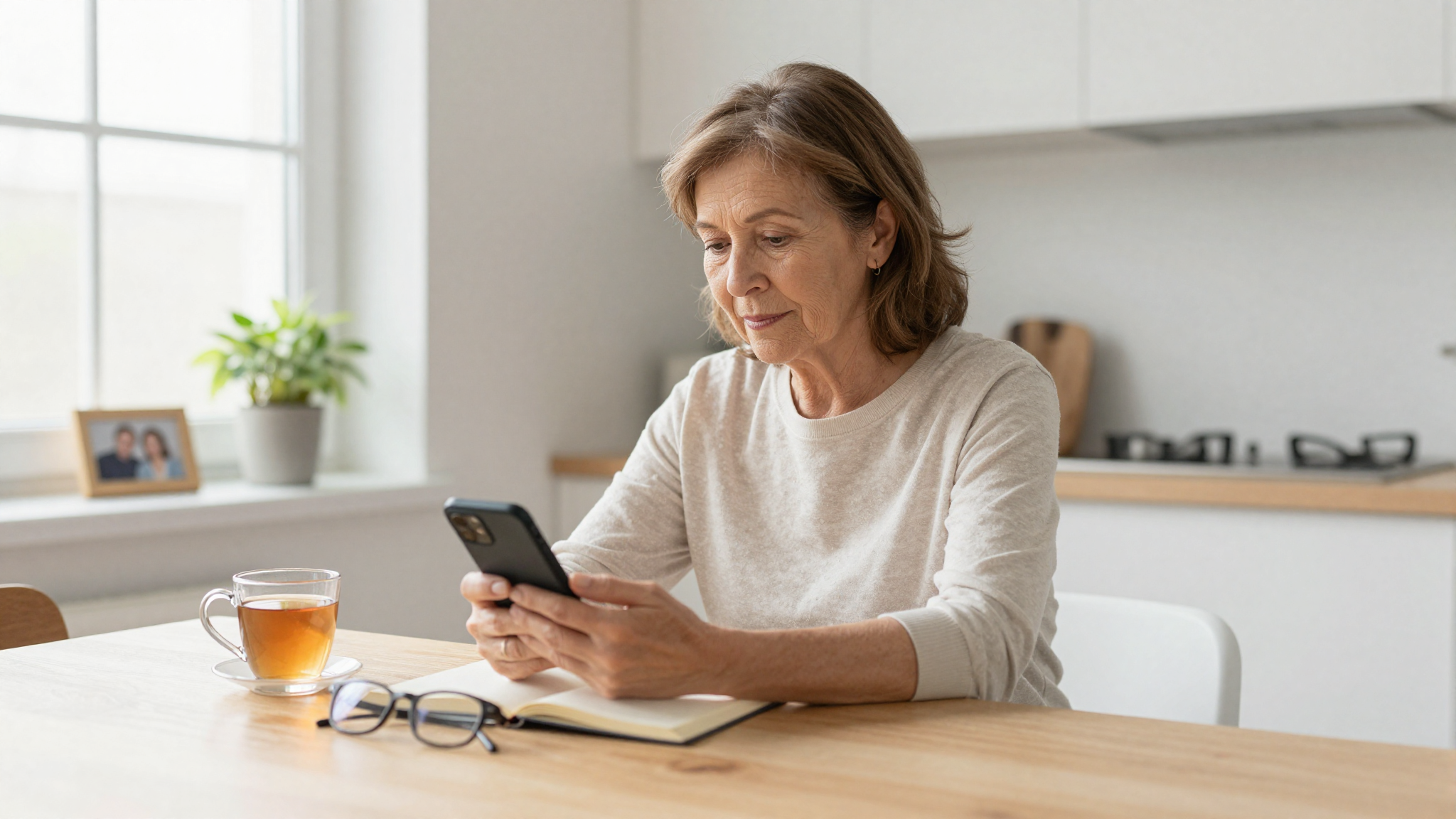
For older adults living independently, a check-in app for safety has obvious appeal. Families want to know their parent is okay without calling three times a day and making them feel monitored. Seniors want to maintain independence without worrying that a bad fall would go unnoticed for hours.
The right app gives both sides exactly what they need.
Remote Workers and Digital Nomads
Remote work has made it easy to go days without meaningful human contact. A check-in routine creates an anchor — something that ensures at least one person knows you're alive and well, even if you're deep in a solo work sprint in a cabin somewhere.
Solo Travelers
Anyone traveling alone in unfamiliar places benefits from a simple daily check-in. It replaces the awkward "just letting you know I'm okay" texts with something automated and consistent.
What Makes a Good Check-In App for Safety?
Not all safety check-in apps are created equal. Here's what separates a genuinely useful one from a half-baked solution:
SMS Alerts — Not Just Push Notifications
The whole point of a safety check-in is that it works when something goes wrong. Push notifications are easy to miss, easy to dismiss, and require your emergency contact to have a specific app installed. SMS alerts reach people reliably, even if they're not on their phone.
Multiple Emergency Contacts
Real life is complicated. Not everyone has one obvious person to call. A good check-in app lets you add multiple contacts — and customize what each of them receives. Maybe your daughter gets an alert for every missed check-in, while your neighbor only gets one if you've been out of contact for 24 hours.
Flexible Scheduling
Safety routines need to fit your life, not the other way around. A fixed 48-hour window doesn't work for someone who checks in every morning before coffee. A good app lets you set your own times, adjust by day of the week, and pause when you're on vacation.
More Than a Binary Signal
The most useful check-in apps go beyond "alive / not alive." Mood status — letting you signal whether you're having a great day, an okay day, or a rough one — gives your contacts real information. And an assistance button means you can proactively ask for help when you need it, not just when you've already missed a check-in.
Privacy-First Design
Safety and surveillance are very different things. A check-in app should offer location sharing for people who want it — so contacts can know where you are in an emergency — but it should never be mandatory. No forced tracking, no required permissions you're not comfortable with. It should send a reliable signal when you're okay, and an alert when you're not.
How CheckIn More Keeps You Safe
CheckIn More was built from the ground up around these principles.
Automated Daily Check-Ins
Set your check-in times once — morning, evening, or multiple times a day — and the app handles the rest. A reminder notification prompts you when it's time. One tap to confirm. That's the entire interaction on a normal day.
Instant Text Alerts to the People Who Matter
When you complete a check-in, your chosen contacts get a text. When you miss one, they get a different text. No app required on their end. No delay. It works because it's SMS.
Flexible Windows and Schedules
You control how long the check-in window stays open. A generous window gives you flexibility. A tight one means faster alerts if something's wrong. Different times for different days of the week means the app adapts to your actual routine.
Four Check-In Options
CheckIn More offers more than a simple tap:
- One-tap confirmation — fastest option, just "I'm okay"
- Mood status — signal how you're actually doing
- Assistance request — ask for help proactively
- Combination — tap plus a mood update in one go
Unlimited Contacts, Customizable Alerts
Add as many contacts as you need. Set each one's preferences independently — some might want confirmation of every check-in, others only want to hear from the app if something's wrong.
Pause Anytime
Going on vacation? Have people visiting? Pause your check-in schedule with a single tap. No confusing settings, no worrying about false alarms.
Set Up Your Check-In App in Under 5 Minutes
Getting started with CheckIn More is straightforward:
- Download the app on iOS or Android
- Create your account and enable notifications
- Add your contacts — just their phone numbers, no app install required
- Set your check-in schedule — pick times that fit your routine
- Choose your check-in style — one-tap, mood, assistance, or combo
- Activate your subscription and your safety net is live
That's it. From download to first check-in, most people are set up in less than five minutes.
The Peace of Mind Goes Both Ways
Something worth saying clearly: a safety check-in app isn't just for the person checking in.
For families with an elderly parent living independently, CheckIn More removes the guilt of not calling enough — and the anxiety of wondering if no news is good news. For a parent whose adult child just moved to a new city, it's a quiet reassurance without being intrusive. For friends of someone who lives alone and travels frequently, it's knowing the app has it covered.
The person checking in gets independence. The people who love them get peace of mind.
Ready to set up your safety net?