The Best Check-In Service for Solo Travelers
Traveling alone is freeing until no one knows where you are. A check-in service for solo travelers alerts your people automatically if you go quiet.
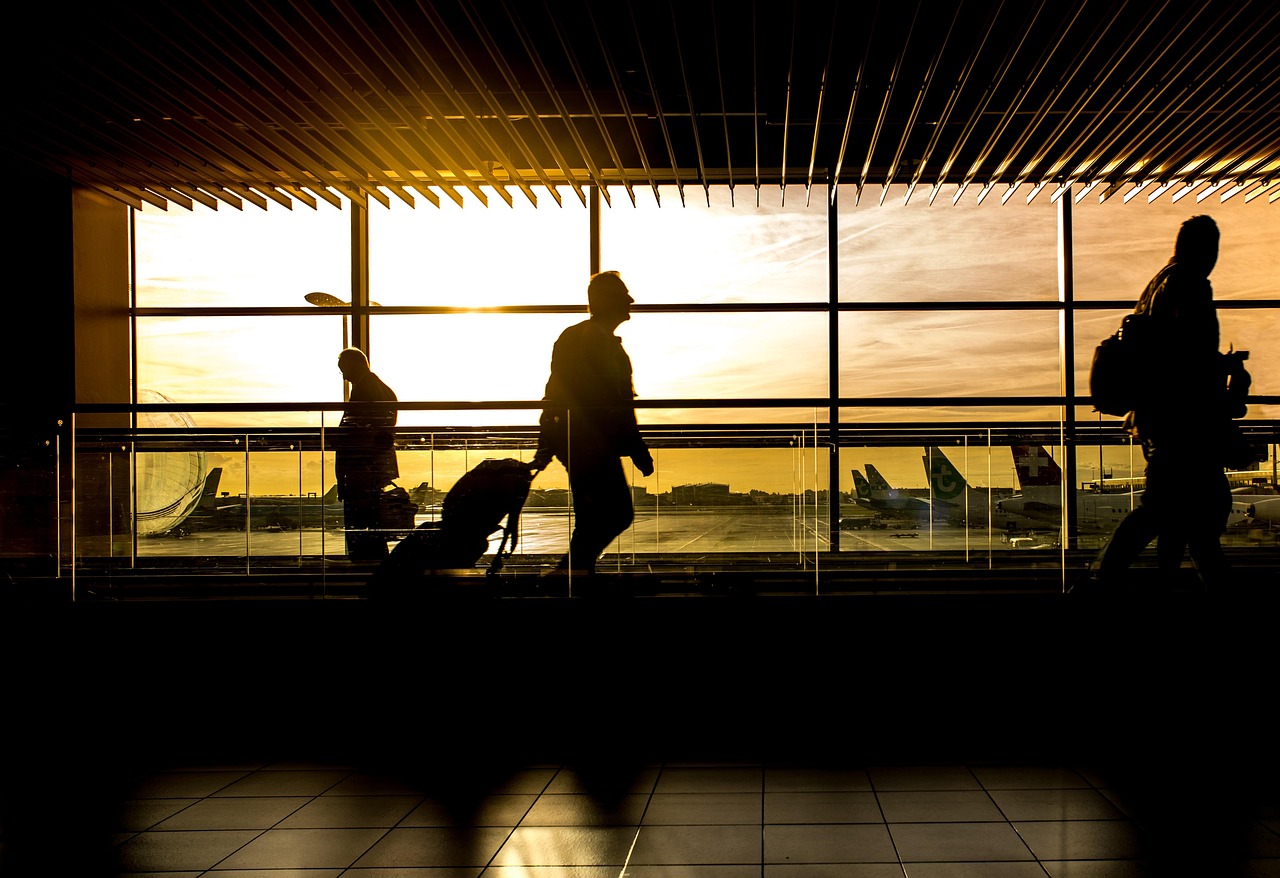
Traveling alone is one of the best things you can do for yourself. You set the pace. You eat where you want, wander where you want, and change plans on a whim. Nobody is waiting on you.
That last part is also the catch. When no one is waiting on you, no one notices when something goes wrong. A missed train, a dead phone, a twisted ankle on a quiet trail, a ride that didn't go where it was supposed to. Back home, your family assumes you're busy having fun. Days can pass before anyone thinks to ask.
A check-in service for solo travelers fixes that without taking any of the freedom away. You keep traveling the way you like. If you go quiet when you shouldn't, the people you trust find out automatically.
Why Solo Travelers Need a Safety Net
Most solo travelers have some version of an informal system. You post a few photos. You text your mom when you land. You tell a friend the name of your hostel.
The problem is that informal systems depend on someone noticing an absence. And absences are easy to explain away. "She's probably on a bus with no signal." "He said he might go off-grid for a few days." Everyone's reasoning is sensible, and that is exactly why nothing happens.
Travel also strips away the routines that would normally catch a problem at home. There's no coworker expecting you on Monday, no neighbor who sees your car hasn't moved. You're surrounded by strangers, and strangers don't know your plans.
A check-in service replaces "someone would probably notice" with a clear rule: if you don't check in, your contacts are told.
How CheckIn More Works on the Road
CheckIn More gives you two tools that fit travel well: daily check-ins for the rhythm of a trip, and safety timers for the specific moments that feel a little riskier.
Daily Check-Ins for the Whole Trip
Set a check-in time and a window that works for you. Each day, you get a reminder notification, and checking in takes a couple of taps. You can share a mood status (bad, okay, good, or great) so your family gets a little more than a yes or no.
If you don't check in before your window closes, your contacts are notified automatically by email, SMS, or AI phone call, depending on your plan. There's also a request assistance option that alerts your contacts immediately if you need help.
For a long trip, this becomes a quiet daily heartbeat. Your parents don't have to text you every evening asking if you're alive, and you don't have to remember to send updates while you're exploring. If a contact chooses to, they can even get a notification each time you complete a check-in.
And if you'd rather switch it off for a stretch, say while you're staying with friends, you can pause your check-ins and pick them back up later.
See how daily check-ins work →
Safety Timers for the Riskier Moments
Some parts of a trip deserve a closer eye than a once-a-day check-in. A late arrival in a new city. A solo day hike. Meeting someone you connected with online. A night out on your own.
That's what safety timers are for. Before you head out, set a duration and an optional note, like "walking from the station to the hostel, 40 minutes" or "day hike, back by 4pm." When you're done, you check back in. If the timer runs out and you haven't, there's a five-minute grace period, and then your contacts are notified.
Your note goes a long way here. Instead of "something might be wrong," your family knows roughly what you were doing and when you expected to be done.
You can also create a timer by texting CheckIn More's number in plain language, with no app required. Text "need 30 more minutes" to extend it, or "I'm back" when you're safe. That's handy when you're juggling a backpack, a map, and a phone at 2% battery.
If you've used a timer for a run or a date at home, it works exactly the same way abroad. We've written more about that in The Best Check-In Service for Solo Hiking and An App That Texts When You Get Home Safe.
Freedom Without Being Tracked
A lot of travel safety advice boils down to "share your location with someone." That works for some people. For others it feels like a leash, and it creates its own anxiety: a family member watching a dot that hasn't moved in an hour, wondering whether to panic.
CheckIn More is not a GPS tracker. There's no live location sharing and nothing running in the background watching where you go. You decide when to check in and when to start a timer. Your contacts don't see your every move; they hear from the app only if you miss a check-in or ask for help.
That's a much better deal for both sides. You get to be fully present on your trip. Your family gets a clear signal they can trust, instead of a map they have to interpret.
What Your Contacts Receive
Your contacts don't need the app or an account. You add them by name and phone number, and they confirm by replying "Yes" to a text. After that, they simply receive notifications.
Each contact can be set up to get the alerts that make sense for them. Maybe your partner hears about every completed check-in, while your brother only hears about missed ones. Email is available on every plan, SMS on Plus and above, and an AI phone call on Premium. A phone call is the hardest alert to sleep through, which matters when your trip puts you several time zones away from the people watching out for you.
Tips for Setting Up Before You Leave
- Pick a check-in time that fits your travel days. Late morning is often easier than early morning when you're changing cities or sleeping in after a night train.
- Give yourself a realistic window. Bus rides, flights, and patchy signal happen. A longer window cuts down on false alarms.
- Add more than one contact. Someone in your home time zone and someone awake when you are is a good combination.
- Tell your contacts what an alert means. Agree ahead of time on what they should do first, like calling you, then your accommodation.
- Use timers for the in-between moments. Arrivals, solo excursions, and nights out are where a timer earns its keep.
Getting Started
Setup takes a few minutes. Download the app, set your check-in schedule, and add a contact or two. Do it before you leave so your contacts have time to verify, and try a short timer at home to see how it works.
CheckIn More has a free plan with no credit card required, and paid plans add SMS alerts, AI phone calls, and more contacts. It works on both iPhone and Android.
If you're looking for a check-in service for solo travelers that keeps your people in the loop without tracking your every step, CheckIn More was built for exactly this. It was made by Trevor and Kelly, a husband-and-wife team who know what it's like to worry about someone who's on their own.
Frequently Asked Questions
Does CheckIn More track my location while I travel? No. CheckIn More is not a GPS tracker and doesn't share your live location. Your contacts are only notified when you miss a check-in, let a safety timer expire, or request assistance.
What happens if I'm on a long flight or bus ride during my check-in time? Choose a check-in window long enough to cover travel days, or pause your check-ins for that stretch. For a specific journey, a safety timer with a note like "flight lands at 6pm" can be a better fit.
Do my contacts need to download the app? No. Contacts receive alerts by email, SMS, or AI phone call depending on your plan. They just reply "Yes" to a verification text to get started.
Is there a grace period on safety timers? Yes. If your timer runs out and you haven't checked back in, there's a five-minute grace period before your contacts are notified.
Is there a free version? Yes. CheckIn More has a free plan, no credit card required. Paid plans add SMS and AI phone call notifications.
Photo by ClickerHappy on Pixabay.