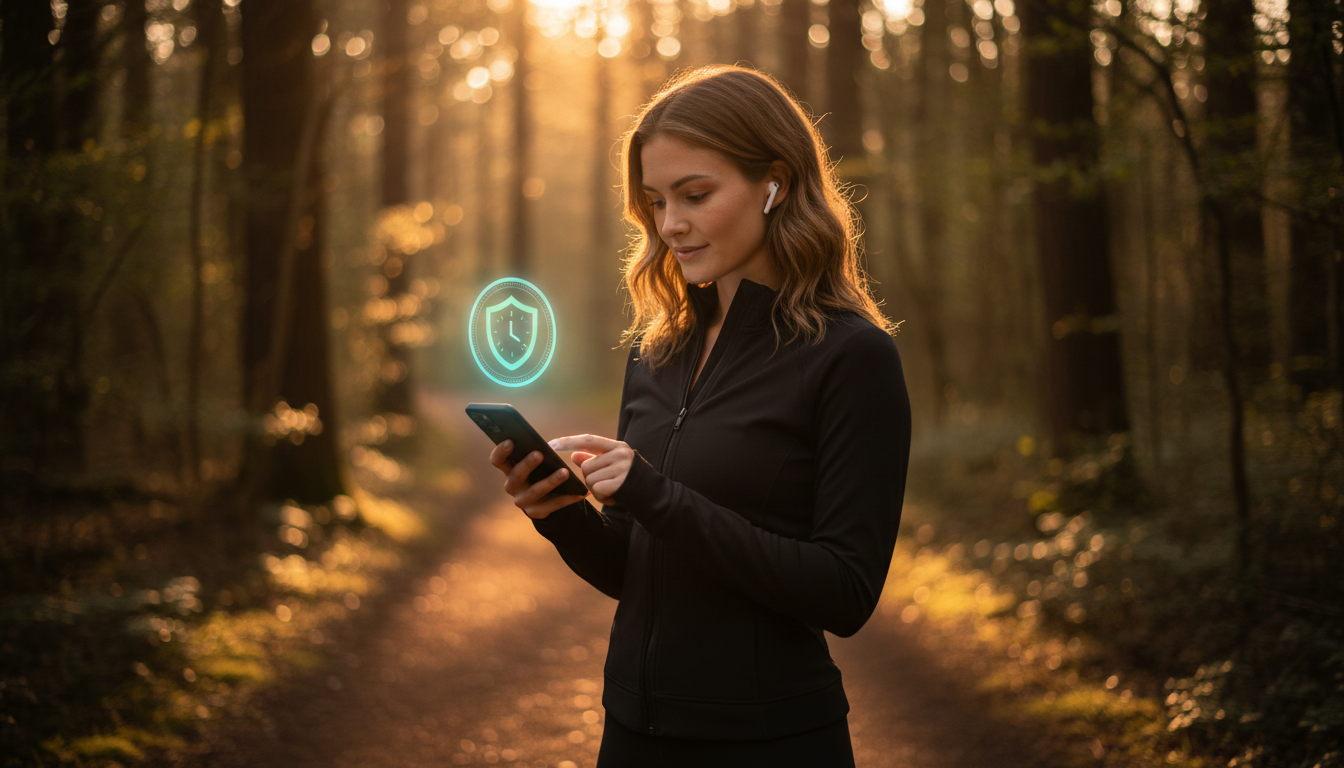
The Best Safety App for Running Alone in 2026
Looking for a safety app for solo runs? CheckIn More's Safety Timers let you set a countdown before you head out — if you don't check back in, your contacts are automatically notified.
Running alone is one of those things that's worth doing and worth being smart about. Most runs end without incident. But the people who care about you don't know that until you're back.
CheckIn More's Safety Timers give you a simple way to change that — without asking anyone to track your location or stay glued to their phone while you're out.
How It Works
Before your run, set a safety timer for however long you expect to be out. When you're back, check in. That's it.
If you don't check in when the timer runs out, CheckIn More waits five minutes — enough buffer for a cool-down or a slow stretch back to the door — and then notifies your emergency contacts automatically.
No one has to remember to check on you. No one has to wonder. The timer handles it.
Start Your Timer Without Opening the App
You can start a timer by texting CheckIn More directly:
- "45m running trail"
- "30 minute run, back by 7"
- "out for a run, 1 hour"
When you're back, text "home" or "I'm back" to cancel it. If you push your pace and need more time, text "need 20 more minutes" — no fumbling with the app mid-run.
What Your Contacts Receive
If you miss your check-in, your contacts are notified by email, SMS text, or phone call — depending on your preferences. For most solo runners, a text to a partner, parent, or friend is plenty. The phone call option is there for the people in your life who need something harder to miss.
No Location Tracking Required
CheckIn More doesn't ask for location permissions. There's no GPS, no live tracking, no sharing your route.
Your contacts find out you didn't check in — which is the signal that matters. What they do with that information (calling you, checking the route you mentioned, deciding to wait a few more minutes) is up to them. CheckIn More gives them the alert; the rest is human judgment.
If you want your contacts to know your planned route, just tell them before you go. That context lives outside the app, the same way it always has.
More Than Just Runs
Safety Timers work for any solo activity where you want someone to know you're back safe:
- Trail runs and hikes
- Early morning or late evening runs in unfamiliar areas
- Long bike rides
- Gym sessions when you're going alone at off-hours
And since CheckIn More also supports daily scheduled check-ins, it can cover both your routine and your one-off activities — all in one app.
Get Started Free
The free plan includes one safety timer per day — enough for most runners. No credit card required. Paid plans include a free trial.
Frequently Asked Questions
Does CheckIn More track my location during a run? No. CheckIn More doesn't request location permissions. It works on a timer, not GPS.
Can I extend my timer if I'm running longer than planned? Yes. You can extend mid-run from the app or by text message.
Do my contacts need to download anything? No. They receive alerts by email, SMS, or phone call — no app or account needed.
What if I forget to cancel the timer when I get back? CheckIn More waits 5 minutes after the timer expires before notifying anyone. If you're just catching your breath in the driveway, you have a window.