The Best Check-In Service for Real Estate Agents
Showings, open houses, and vacant listings often mean meeting strangers alone. A check-in service for real estate agents alerts your people if you go quiet.
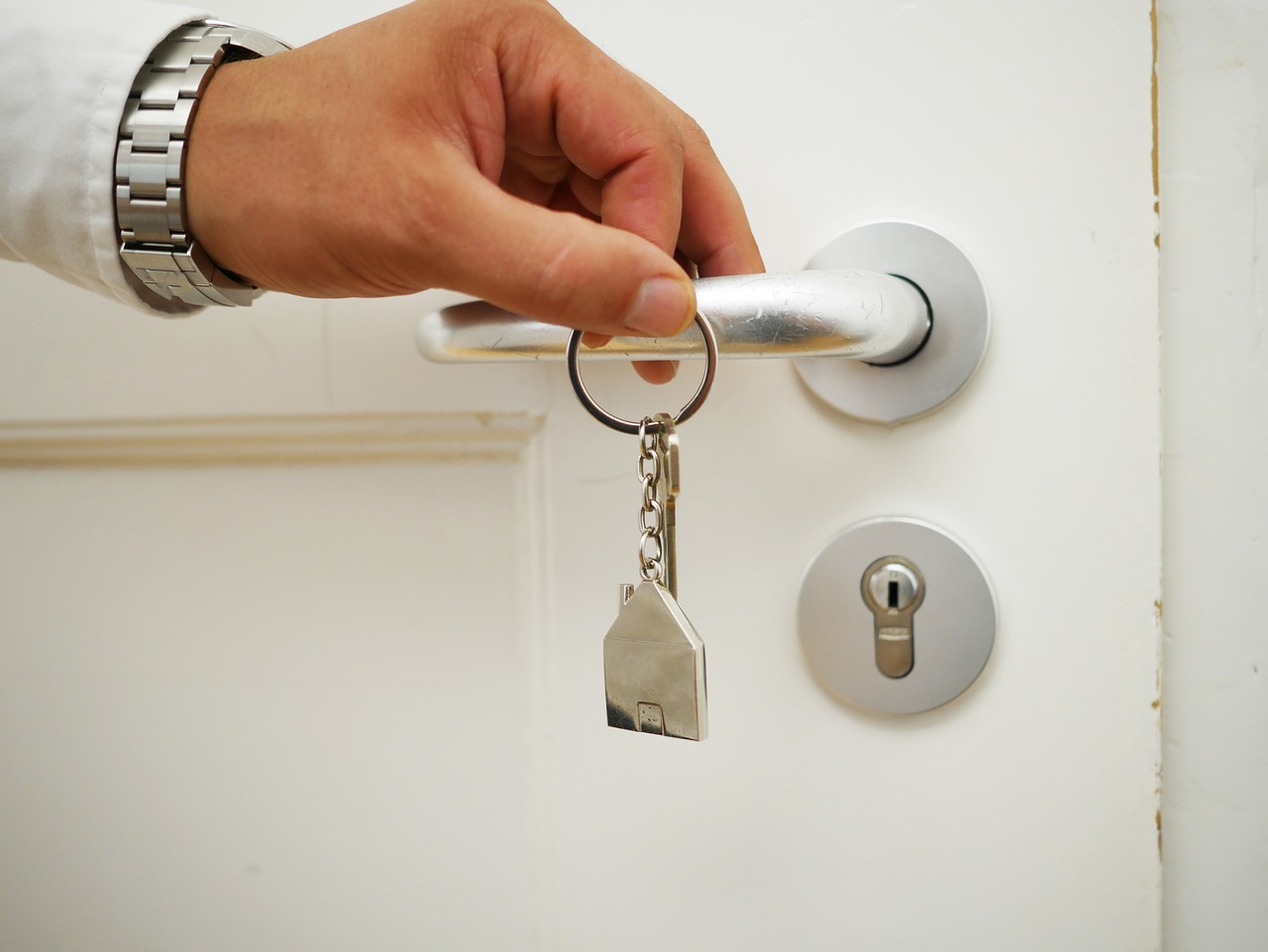
Real estate is a people business. You meet buyers you've never seen before, walk them through homes you don't live in, and spend whole afternoons at open houses where anyone can wander through the front door. That openness is the job, and most of the time it goes exactly the way you hoped.
But a lot of that work happens alone. A first showing with a new lead. A vacant listing at the end of a quiet road. Locking up after an open house when the last visitor has finally left. In those moments, the only person who knows where you are might be a calendar entry nobody is watching.
A check-in service for real estate agents gives you a simple backup: if you don't check back in when you said you would, the people you trust find out automatically.
Why Agents Need a Backup Plan
Most agents already have a few safety habits. You share your schedule with the office, you park so you can leave easily, and you trust your gut when something feels off. Those habits matter. The trouble is that none of them raise an alarm on their own.
- Showings run on unpredictable timing. A 30-minute showing turns into 90 minutes when the buyers love the place, so nobody thinks twice when you go quiet.
- Vacant homes are quiet by design. There are no neighbors in the next room and no homeowner coming back soon.
- Open houses are open to everyone. You're welcoming strangers into a space you don't control, often for hours.
- Your day is scattered across town. Even your own family might not know which address you're at right now.
None of this means you should stop doing the work you love. It just means "someone would notice" isn't a plan. A check-in that expects to hear from you, and speaks up when it doesn't, turns that assumption into something real.
How CheckIn More Fits a Real Estate Schedule
CheckIn More gives you two tools: safety timers for individual showings and appointments, and daily check-ins for the rhythm of your week.
Safety Timers for Showings and Open Houses
A safety timer is built for exactly the kind of one-off moment agents deal with all day. Before you walk into a showing, set a duration and an optional note, like "showing on Maple St, 45 minutes" or "open house, done by 4pm." Then go do your job.
When you're finished, check back in. If the timer runs out and you haven't, there's a five-minute grace period, and then your contacts are notified. The grace period means a showing that runs a few minutes long doesn't set off a false alarm.
You don't even have to open the app. Text CheckIn More's number in plain language, like "45m showing on Maple St," and your timer starts. If the buyers want a second walkthrough, text "need 30 more minutes." When you're back in your car, text "I'm back." That's easy to do in the hallway or on the front porch without making a big deal of it in front of a client.
We've written more about this style of timer in An App That Texts When You Get Home Safe.
Daily Check-Ins for Your Week
Safety timers cover specific appointments. Daily check-ins cover the bigger picture. You pick the time, the days of the week, and how long your check-in window lasts. Maybe that's an evening check-in after your last appointment, so your family knows your day ended the way it should.
When it's time, you get a reminder notification, and checking in takes a couple of taps. You can also share a mood status (bad, okay, good, or great), which is a nice way to keep track of how the busy season is treating you. Your check-in history is logged so you can look back over time.
If you miss a check-in before your window closes, your contacts are notified automatically. And if you ever need help right away, the request assistance option alerts your contacts immediately.
Taking a week off between closings? You can pause your check-ins and pick them back up when you're ready.
Who Gets Notified, and How
Your contacts don't need the app or an account. You add them by name and phone number, and they confirm by replying "Yes" to a text. After that, they simply receive alerts. You can add as many contacts as you need, so a partner, a friend, and your managing broker can all be in the loop.
Each contact can be set up to get the notifications that make sense for them:
- Email is available on every plan.
- SMS is available on Plus and above.
- AI phone call is available on Premium, and it's the hardest alert to miss.
You also choose what each person hears about: completed check-ins, missed check-ins, assistance requests, or all three. Your partner might want the reassurance of every check-in, while your broker only needs to know if something is wrong.
Privacy That Works With Clients
CheckIn More is not a GPS tracker. There's no live location sharing and nothing following you around in the background. You decide when to start a timer and when to check in.
That matters in real estate. Your schedule is full of client addresses and private appointments, and you shouldn't have to broadcast all of it to stay safe. The note on a safety timer is only as detailed as you choose to make it, and your contacts hear nothing unless a timer expires, a check-in is missed, or you ask for help.
If you also live on your own, you might like The Best Check-In Service for Solo Living.
Tips for Using a Check-In Service as an Agent
- Start a timer before every solo showing. Make it part of the routine, the same way you grab the lockbox code.
- Add a little buffer. Set the timer for longer than you expect the showing to take. You can always check in early.
- Use the note field. A short note like "vacant listing, Oak Ridge Rd" gives your contacts something useful if they ever need it.
- Pick contacts who can act. Someone who can call you, then call your office, is more helpful than someone who can't check their phone during the day.
- Agree on a plan ahead of time. Tell your contacts what an alert means and what they should do first.
- Set a timer for open houses, too. Use it to cover the stretch from the first visitor to locking the door behind the last one.
Getting Started
Setup takes a few minutes. Download the app, add a contact or two, and try a short safety timer at your next showing to see how it feels. If you like the idea of a nightly "made it home" signal, set up a daily check-in as well.
CheckIn More has a free plan with no credit card required, and paid plans add SMS alerts, AI phone calls, and more. It works on both iPhone and Android.
If you're looking for a check-in service for real estate agents that fits around showings and open houses without tracking your every move, CheckIn More was built for moments like these. It was made by Trevor and Kelly, a husband-and-wife team who know what it's like to worry about someone who's out on their own.
Frequently Asked Questions
Can I start a safety timer quietly during a showing? Yes. Text CheckIn More's number in plain language, like "45m showing on Maple St." You can extend it ("need 30 more minutes") or end it ("I'm back") by text too, without opening the app.
What happens if a showing runs long and I forget to check in? After your timer expires there's a five-minute grace period before your contacts are notified. To avoid alerts, extend the timer by text or set a longer duration to begin with.
Can my broker or office be a contact? Yes. Any contact with a phone number can be added. They confirm by replying "Yes" to a text, and you choose which notifications they receive.
Does CheckIn More share my location with my contacts? No. CheckIn More is not a GPS tracker. Your contacts only hear from it when you miss a check-in, let a safety timer expire, or request assistance, plus completed check-ins if you choose.
Is there a free version? Yes. CheckIn More has a free plan, no credit card required. Paid plans add SMS and AI phone call notifications.
Photo by Schluesseldienst on Pixabay.